AZ
Ten years of iOS privacy protection plugins
AZ TUTORIALS · Cydia

Cydia · Add a repo

Recommended repo: https://apt.azcydia.com

AZ tutorialsRead on siteUpdated 2026-11-01

Before you start

  • Your device is jailbroken and Cydia opens from the home screen

  • Your network connection is working (Wi‑Fi recommended)

  • Have the repo address ready — see Overview

Step by step

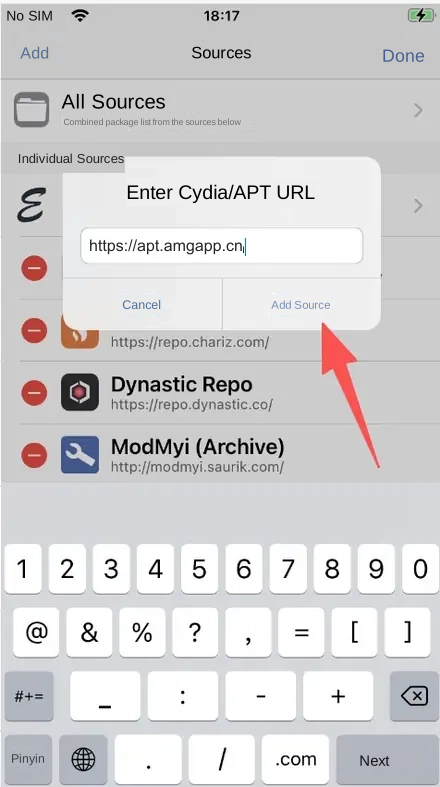
The illustrations below add the AMG repo https://apt.amgapp.cn as an example. Other repos work exactly the same way.
Cydia · Sources — English guide illustration
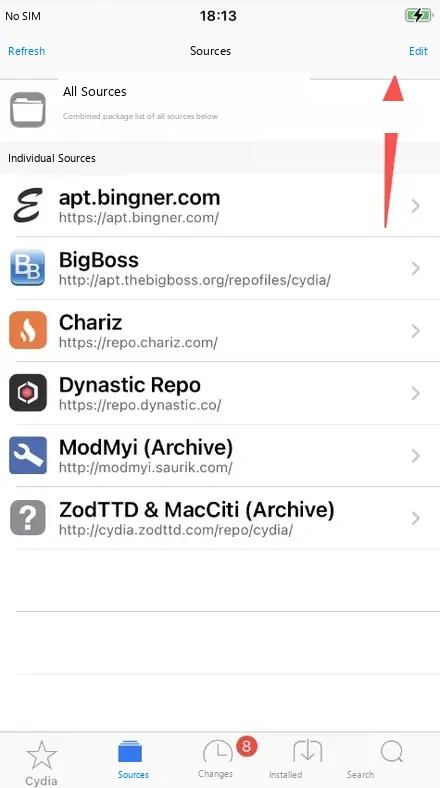
1Open Cydia, tap Sources at the bottom, then tap Edit in the top-right corner.
Cydia · Sources — English guide illustration
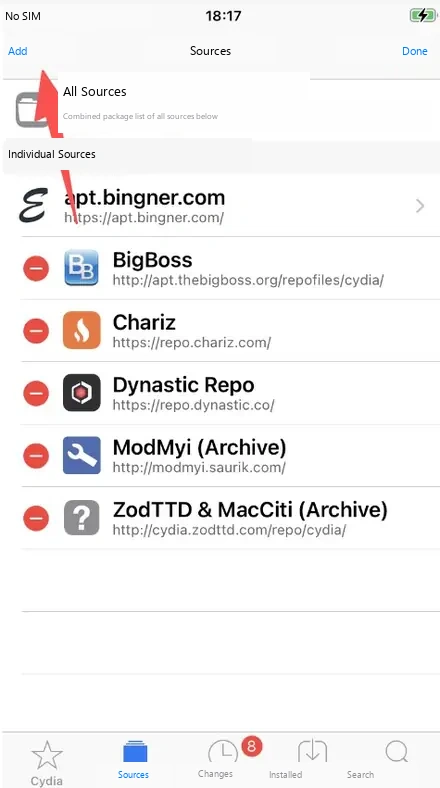
2Tap Add in the top-left corner.


Add a Cydia source — English guide illustration
3Enter the repo address and tap Add Source.
Refresh sources — English guide illustration
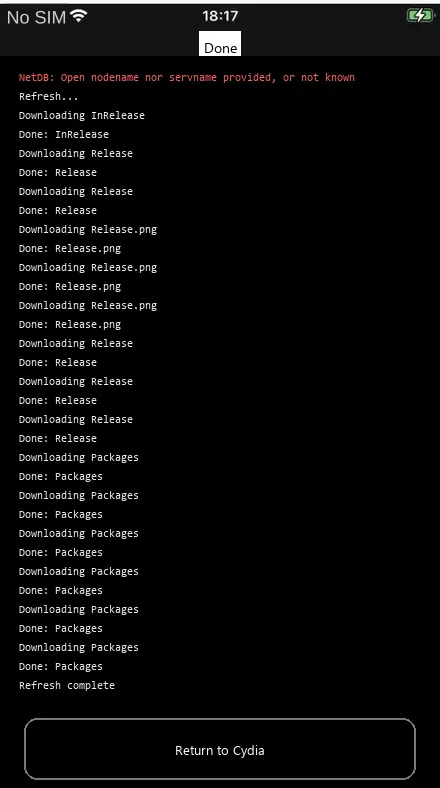
4Wait for Cydia to download the package list, then tap Return to Cydia.
Cydia · Sources — English guide illustration
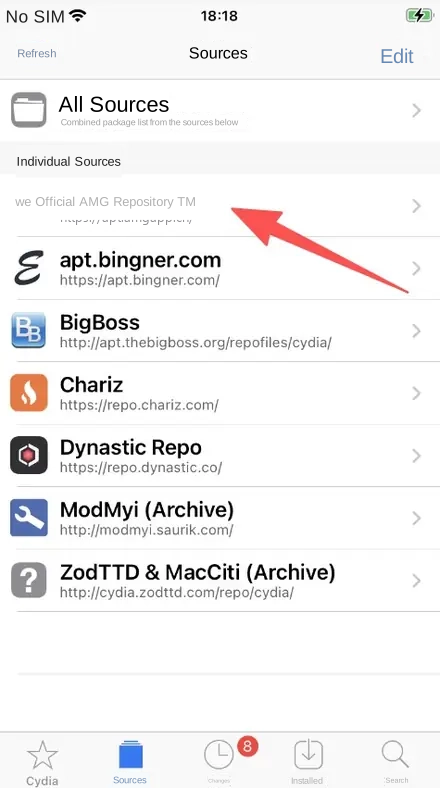
5The new repo now appears in your sources list, which means it was added successfully. Tap into it to install packages.


Tips

  1. No stray spaces in the address, and normally no trailing slash either.

  2. Adding several repos? Just repeat steps 1 to 4.

Next: Install a package

Note

The interface and supported systems may change with updates. Back up important data before cleaning, resetting or deleting anything.