
AZ TUTORIALS · Sileo
Sileo · Add a repo
Recommended repo: https://apt.azcydia.com
Before you start
- Sileo opens normally
- Your network connection is working (Wi‑Fi recommended)
- Have the repo address ready — see Overview
Step by step
The illustrations below add the AZ repo as an example. Other repos work exactly the same way.

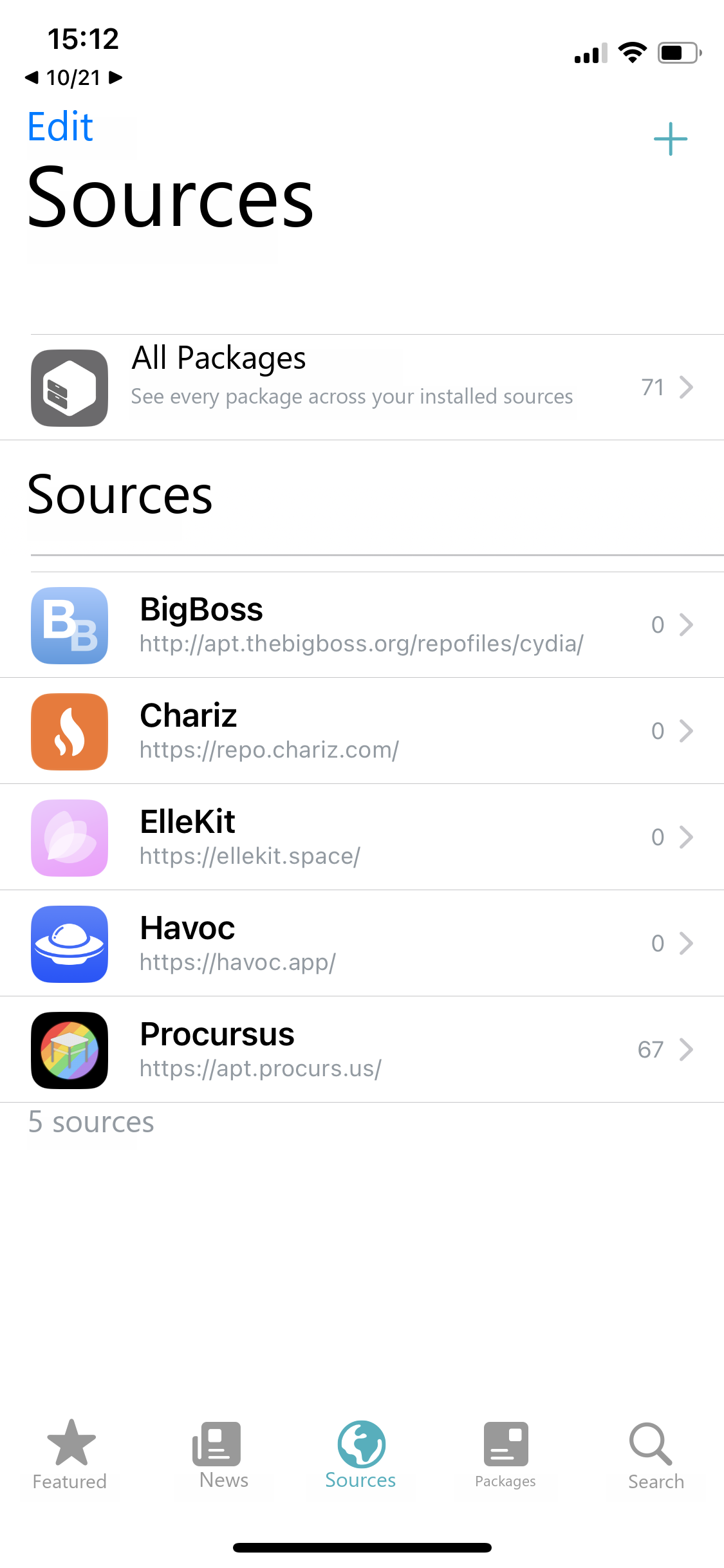
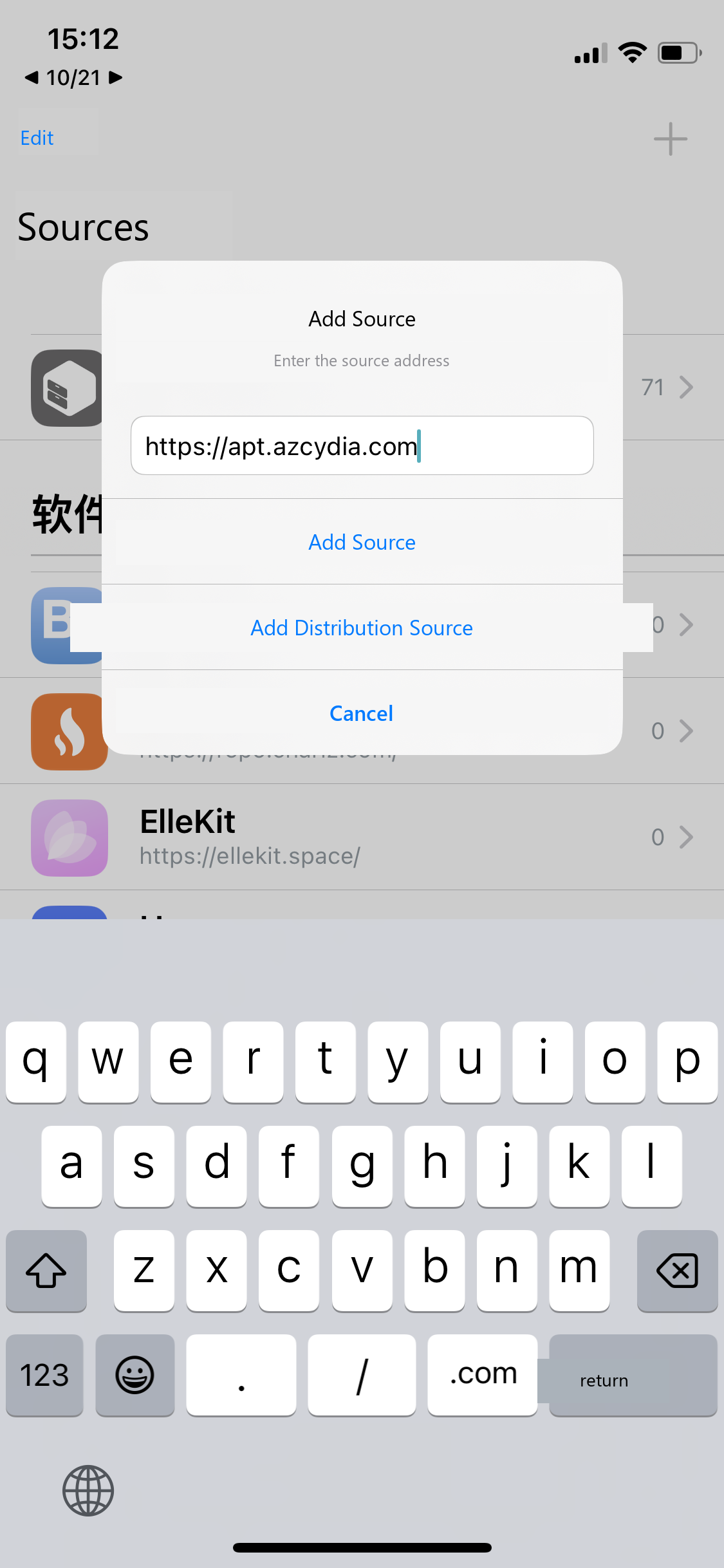
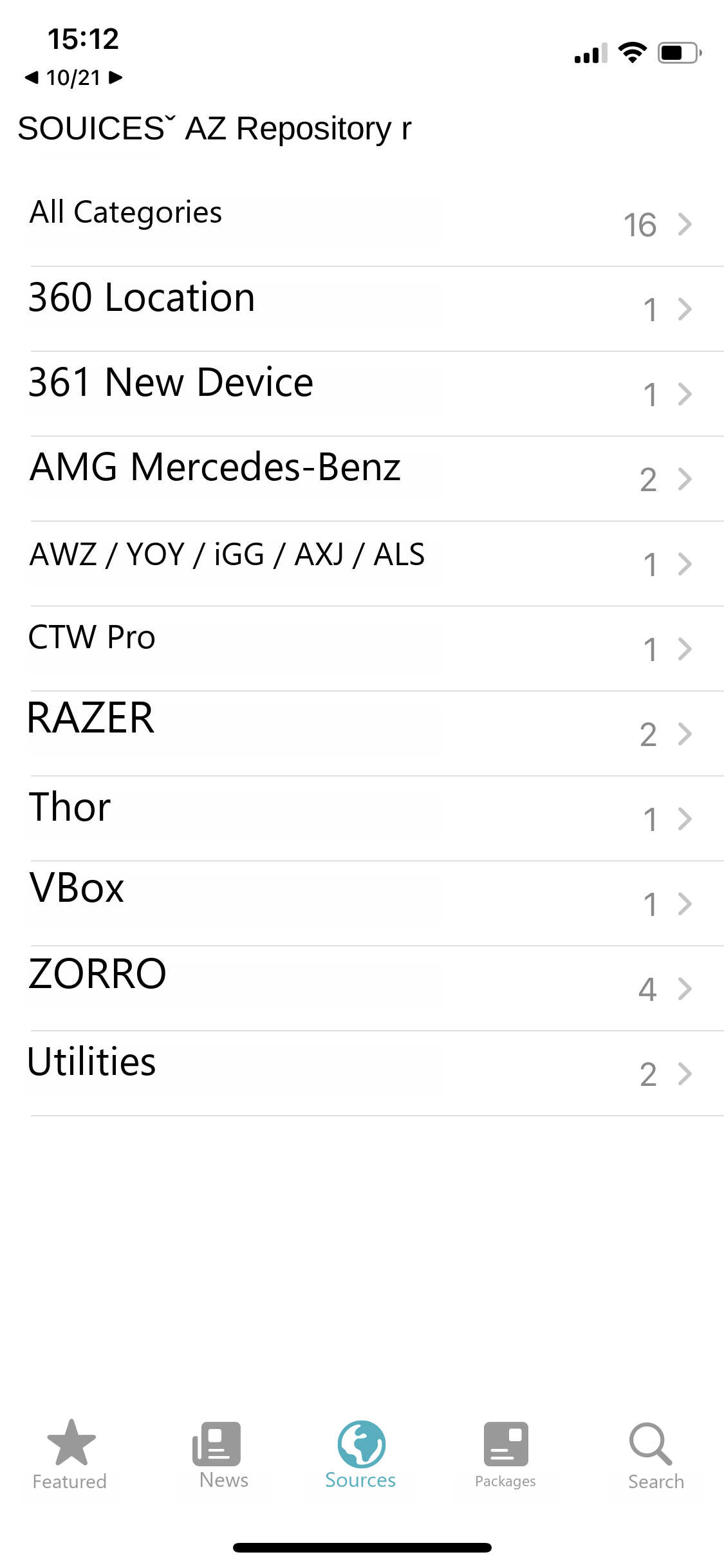
https://apt.azcydia.com and tap Add Source.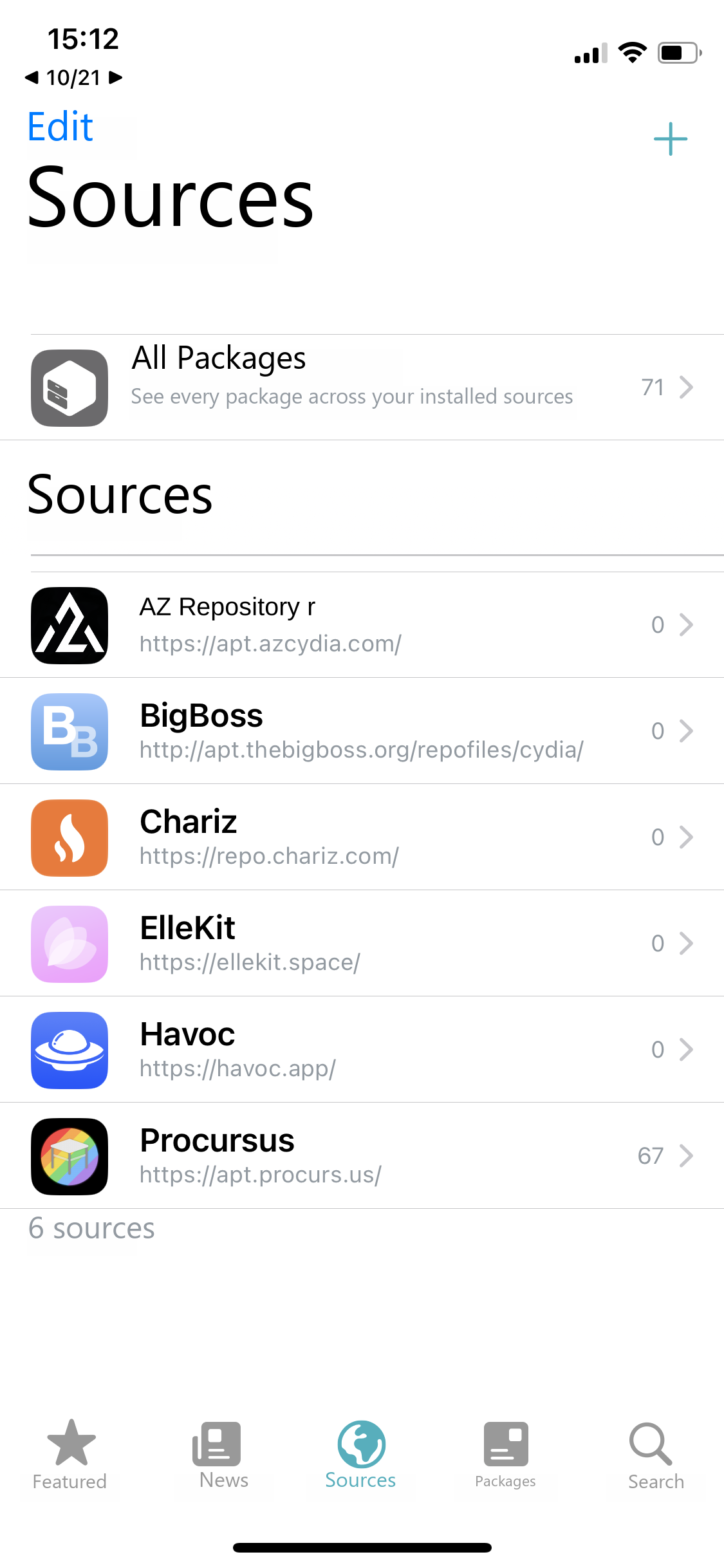
Tips
- Choose "Add Source": in the dialog, do not tap "Add Distribution Source".
- No stray spaces in the address, and normally no trailing slash either.
- Adding several repos? Just repeat steps 2 and 3.
Next: Install a package
Note
The interface and supported systems may change with updates. Back up important data before cleaning, resetting or deleting anything.