
AZ TUTORIALS · Cydia
Cydia · Install a package
Install only after the repo has been added and refreshed successfully.
Step by step
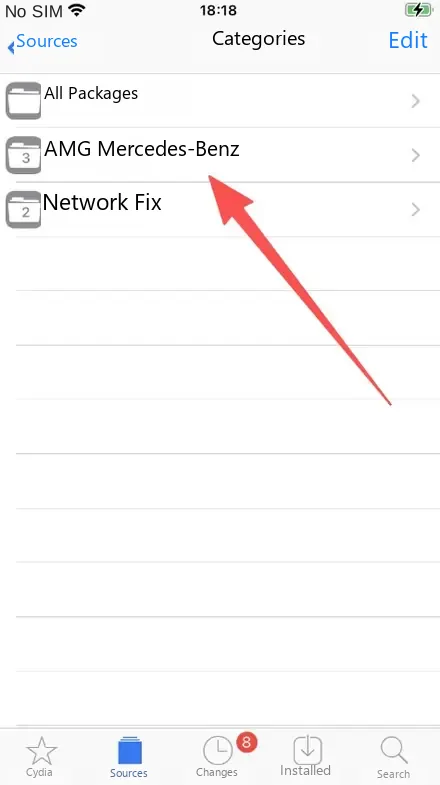
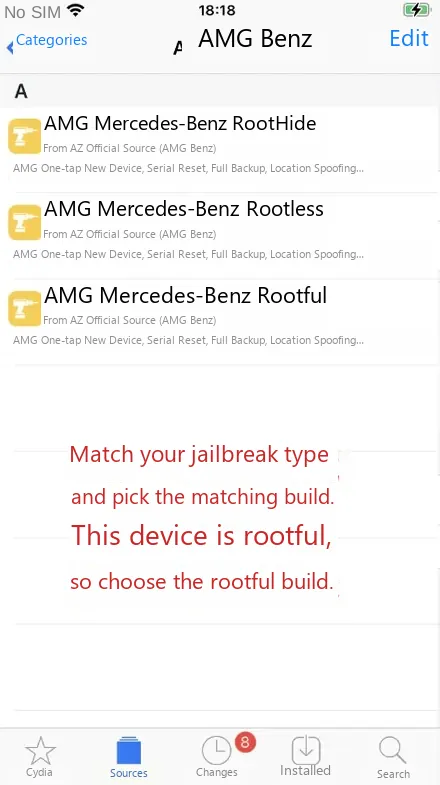
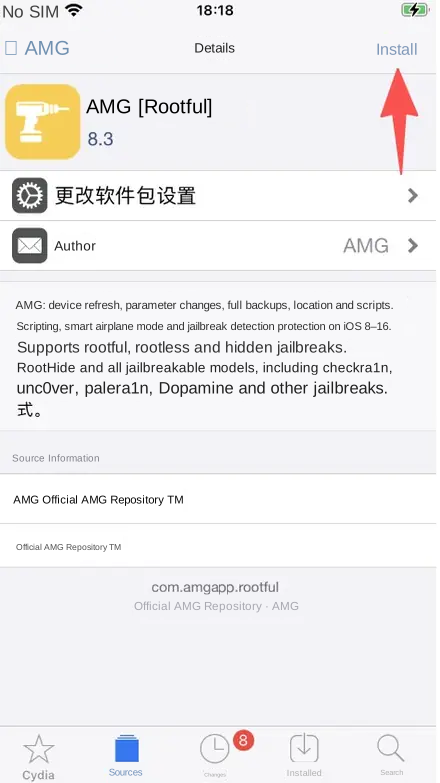
The illustrations below install AMG as an example. Other products work exactly the same way.
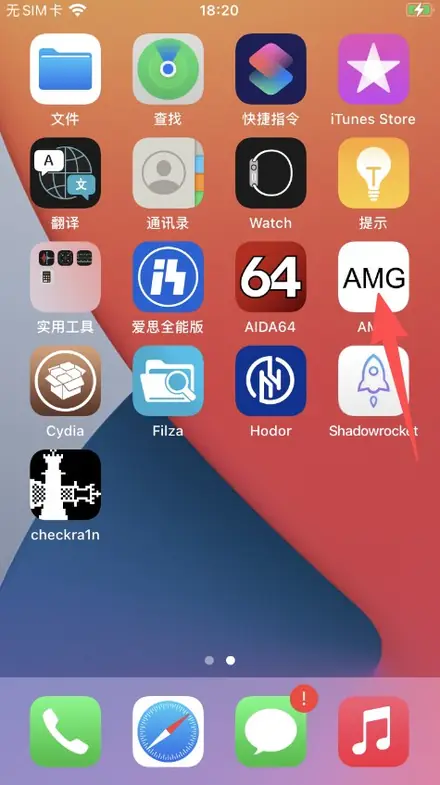
Tips
The build must match your jailbreak. Rootful jailbreak takes the Rootful build, rootless takes Rootless, RootHide takes RootHide. The wrong build simply will not work.
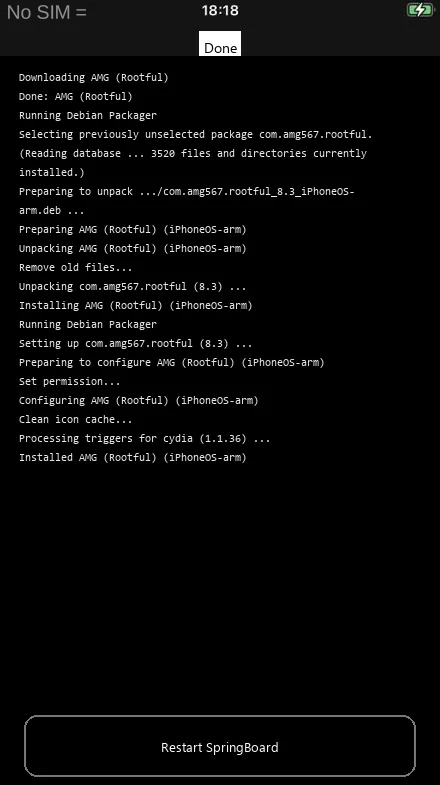
Always restart SpringBoard after installing, otherwise the new icon may not show up on the home screen.
Next: Uninstall a package · Troubleshooting
Note
The interface and supported systems may change with updates. Back up important data before cleaning, resetting or deleting anything.